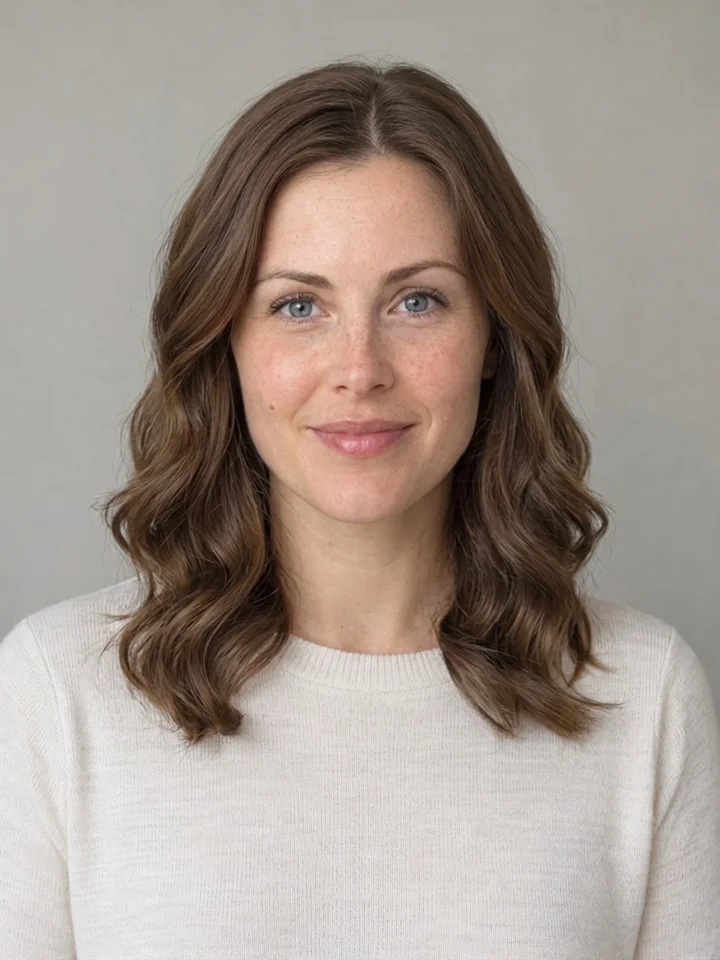
Your photo. Four new ways to wear your hair. Preview a bob, soft waves or bangs, compare the details, and download your favorite.
20 credits per preview · One image · Original hair color
or drop it here
One adult, face clearly visible. JPG, PNG or WebP up to 10 MB. Use a front-facing or slight three-quarter portrait without a hat.
Choose your hairstyle
Selected: Chin-length bob. Every style starts from your original photo. Facial details may shift; compare before you keep a result.
Checking account…
No model or prompt to configure. Each additional preview uses 20 credits. Plans & credits
From photo to preview
How to try a hairstyle on your photo
01
Start with one clear portrait
Choose a JPG, PNG or WebP photo up to 10 MB with one adult and a clearly visible face. A front-facing photo or a slight three-quarter view makes the comparison easier. Include the top of your head, the existing hair and both shoulders. Keep a copy of the original: it is the reference you will use to decide whether the hairstyle preview still looks like you.
02
Choose a cut and review the cost
Pick a chin-length bob, soft waves, light blunt bangs or curtain bangs. Sign in, check the quote, then confirm 20 credits for one preview. There is no model to choose or editing instruction to write. The edit aims to retain your original hair color. Changing the selected style clears the previous quote, so you can check the next preview before spending credits.
03
Compare, save and discuss
When the image is ready, use the comparison slider to examine the haircut and your face together. Check your eyes, jawline, glasses and skin details rather than deciding from a tiny thumbnail. Download a PNG if the preview helps you express an idea. Results also appear in your history while available. A preview can support a conversation with your stylist; it cannot predict how a real cut will behave.
Chin-length bob · AI-created adult portrait
OriginalHairstyle preview
Drag to compare · Arrow keys supported
A different silhouette
Try a chin-length bob on your own photo
A bob changes the outline around the jaw and shoulders, which can be difficult to imagine from someone else’s haircut. This option previews a straight chin-length shape without bangs, keeping the focus on the cut rather than a new hair color.
Look at the ends and the old length
Compare where the new ends meet your chin on both sides. Long hair from the source should not remain on the chest as a second, disconnected haircut. The neckline and shoulder area can require generated detail where the original hair used to be, so examine clothing edges there as well as the hair itself.
Use the preview as a reference
Save the image beside your original when discussing the length with a stylist. Ask how the shape would change with your natural texture, density and usual styling routine. The image shows an appearance in one photograph; it does not assess growth patterns, a hair consultation or the amount of daily work needed to maintain the cut.
The soft-waves option adds larger, loose bends with a middle part and a length around the shoulders. It is useful when you want to compare a softer outline with straight hair while keeping your starting color as the reference.
Judge the full outline
Look at the volume on both sides, the part and the lowest ends. Generated length can land near the collarbone rather than at an exact shoulder line. If the result is longer or fuller than you want, use it to identify that preference instead of treating the image as an exact specification for the finished haircut.
Consider your everyday texture
A photo cannot show how your hair dries, holds a curl or reacts to humidity. Compare the preview with a recent, unfiltered picture taken in ordinary light. Discuss styling tools and maintenance separately. For a fair comparison between options, return to the same original photo each time rather than editing a previously generated hairstyle again.
Bangs can make a familiar face feel different because they change what is visible around the forehead and eyebrows. This option creates a thin, softly blunt fringe above the eyes, paired with mostly straight hair near shoulder length.
Check the eyes and accessories
The hair may cover part of the forehead, but the eyes should remain recognizable. If you wear glasses, inspect the bridge, outer corners, lenses and temples. Small changes to a frame or its reflections can occur even when the face looks consistent. Keep your source photo visible and decide whether those differences matter for your purpose.
Choose a useful starting photo
Avoid a hat, hair covering both eyes, a heavy beauty filter or an extreme camera angle. These make it harder to distinguish the hairstyle change from a reconstructed feature. Even lighting helps you compare skin and facial proportions. Use your own photo, or one you have permission to edit, and keep other people outside the frame.
Curtain bangs leave a visible opening at the center and sweep outward toward the cheekbones. Compare this option with the light blunt fringe using the same original portrait: the difference is how the hair frames the face, not a different face.
Inspect identity, not just attractiveness
An appealing preview is less useful if the nose, mouth, eye spacing or jaw has shifted. Also compare freckles, skin texture, head angle and expression. The edit aims to retain these details, but exact preservation is not guaranteed. If a feature changes noticeably, keep the original and do not use the output as an accurate record of your appearance.
Understand the examples
The comparisons on this page use two AI-created adult portraits and four actual hairstyle edits. They show the available styles and the kind of detail worth inspecting. They do not establish that every face, hair texture or pair of glasses will behave the same way. Your own input and output should always be evaluated together.
Annual plans are billed upfront. The same plan credits refresh every 30 days and expire at the end of that window; unused subscription credits do not roll over.
Free
$0/ month
Explore the workspace and prepare a first request before choosing a paid plan.
One preview costs 20 Movelume credits and produces one image. You review a quote before confirming the generation. Each additional haircut preview is a separate 20-credit request, even when you reuse the same original photo. Subscriptions and eligible credit packs are available through Pricing. The $9.90 single-video offer applies to the video templates, not this photo tool.
02Will the hairstyle changer keep my face exactly the same?+
It aims to preserve the person and change the hair, but exact facial preservation is not guaranteed. Check your eyes, nose, mouth, jaw, skin marks and glasses against the original. Bangs can naturally hide part of the forehead; that is different from changing the facial structure. If an important detail changes, do not treat that output as an accurate likeness.
03Can I try a different hairstyle without uploading again?+
During the same visit, use Try another style to return to the original photo and choose another option. The next preview needs a new quote and another 20 credits. When you reopen a saved result, the original can be reused while its private upload remains available. If that upload has expired, choose the original file again; do not substitute the edited result unless you intend a different task.
04Can I change my hair color or get a haircut recommendation?+
This tool currently offers four selected cuts and aims to keep the original hair color. It does not offer hair dye previews, face-shape analysis or a personalized recommendation. Choose the appearance you want to explore, then discuss suitability with a stylist who can inspect your actual hair. A virtual haircut is a visual reference, not a professional assessment.
05What will I download, and is my uploaded photo public?+
The result is one PNG at about 1K; its dimensions may differ from the source. Your uploads and personal results use account-restricted access rather than becoming public examples. Check the availability date beside your result and download it before expiry. Read the Privacy Policy for information about how uploaded content is processed and retained.
06What if the page loses connection after I confirm?+
Do not immediately send another generation. Use Find my request or open your history to check the existing request first. If the outcome is still unclear, the tool keeps another submission blocked to reduce the risk of a duplicate charge. Contact support if it cannot locate the request; a slow response alone does not establish that generation failed.
Make the comparison
Find a look you can explain to your stylist
Start with your original portrait and review one hairstyle at a time.